HELP
A STEP BY STEP GUIDE ON HOW TO CONNECT YOUR NIGHTLIGHT
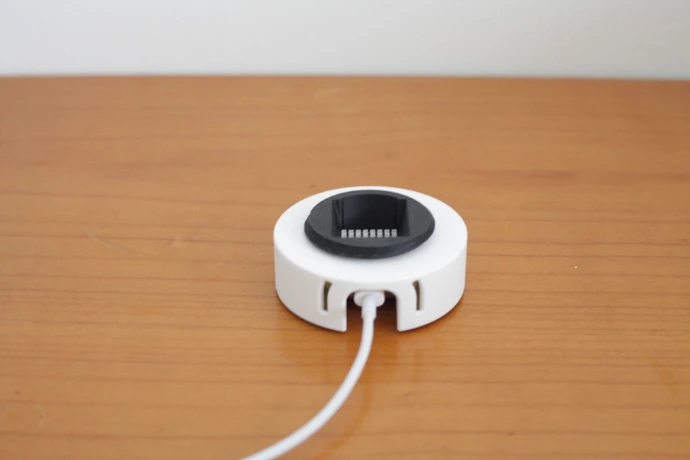
TURN ON YOUR NIGHT LIGHT
Connecting:Connect the night light with a USB-C cable.
Adapter:Use a 5V adapter with a minimum output of 500 mA. A standard iPhone or Android adapter is usually suitable for this.
Safety:Only useCE-certifiedadapters. Using a low-quality or non-certified adapter may cause the ‘shake’ function to malfunction or the LEDs to overheat.
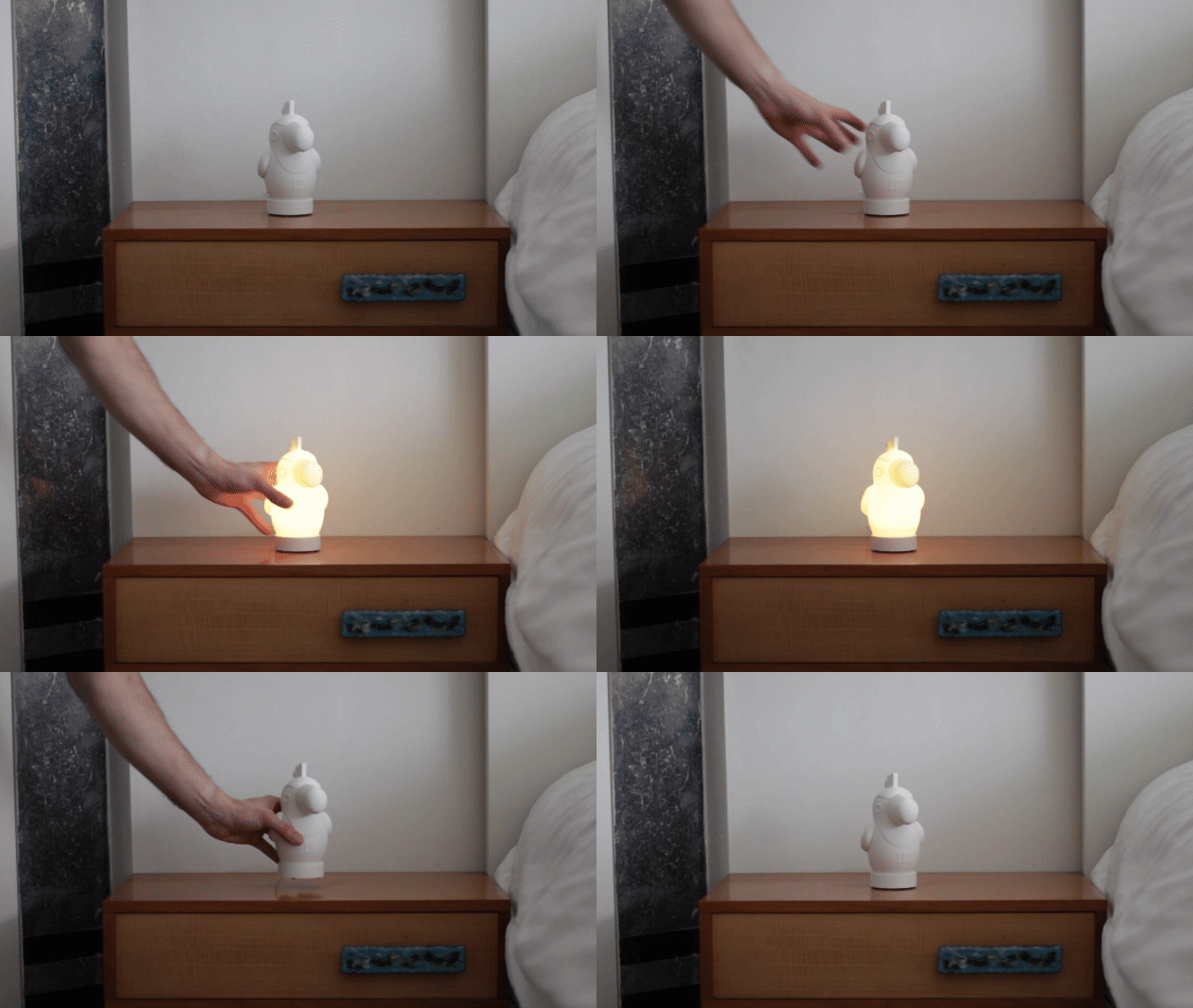
SHAKE IT
How can you turn your night light on/off? By shaking it!
STEP 1: CONNECT YOUR NIGHT LIGHT
Your night light will appear as 'NIGHTLIGHT' in your Wi-Fi networks. Click on this network and you will automatically connect to your night light.
In the app, you can turn your night light on/off and adjust the brightness.
STEP 2: EFFECTS
Your night light comes with various built-in effects. In this video tutorial, you can see how the different effects work.
STEP 3: YOUR FAVORITES
Are you in love with a certain color or effect? Save it in your favorites.
STEP 4: TIMER FUNCTION
With the timer function, you can automatically turn off the night light after a preset time.
Set a desired time (for example, 60 minutes). The light will turn off by itself after this time has passed.
STEP 5: WAKE UP FUNCTION (SLEEP TRAINER)
With the Wake-Up function, your child learns in a natural and playful way when it's time to get up. You can set the lamp to change color at a specific time:
Stay in bed a little longer (Red):For example, set the lamp to turn red 10 minutes before the desired wake-up time. This is the signal for your child to stay quietly in bed.
Time to get up (Green):At the set time (e.g., 08:00 AM), the lamp turns green. Now your child knows that the day really begins and they can get out of bed.
This way, you create a healthy morning rhythm and you can also stay in bed a little longer!
STEP 6: DOWNLOAD THE WLED-Native APP
STEP 7: WLED APP AND WEB CONTROL
Connect the night light to your own wifi network. Once the light is paired, it will no longer be visible as a separate wifi signal (Access Point), but will become part of your home network.
This is the easiest way to manage your light:
Prefer to use your computer or laptop? You can do so via the web interface:
IMPORTANT:The operation works exclusively via your local network. If you are not connected to your own Wi-Fi (for example, when you are outside and using 4G or 5G), you cannot control the night light via the app or browser.